
New Generation Allsee Tech 4K Slim Bezel Interactive Touch Displays
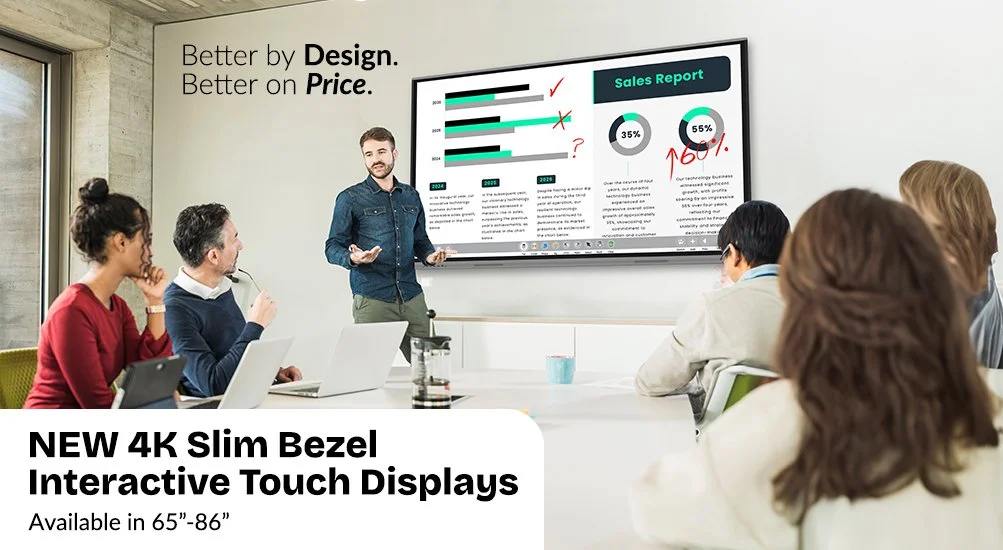
New Generation Allsee Tech 4K Slim Bezel Interactive Touch Displays
Whiteboard Touch Screen Solution for Collaboration In The classroom And Meeting Rooms
Available in 65”, 75” and 86”
50-point multi-touch
Brightness adjustment & eye protection
Built-in wireless mirroring
FREE wall mount
Optional motorised floor stand

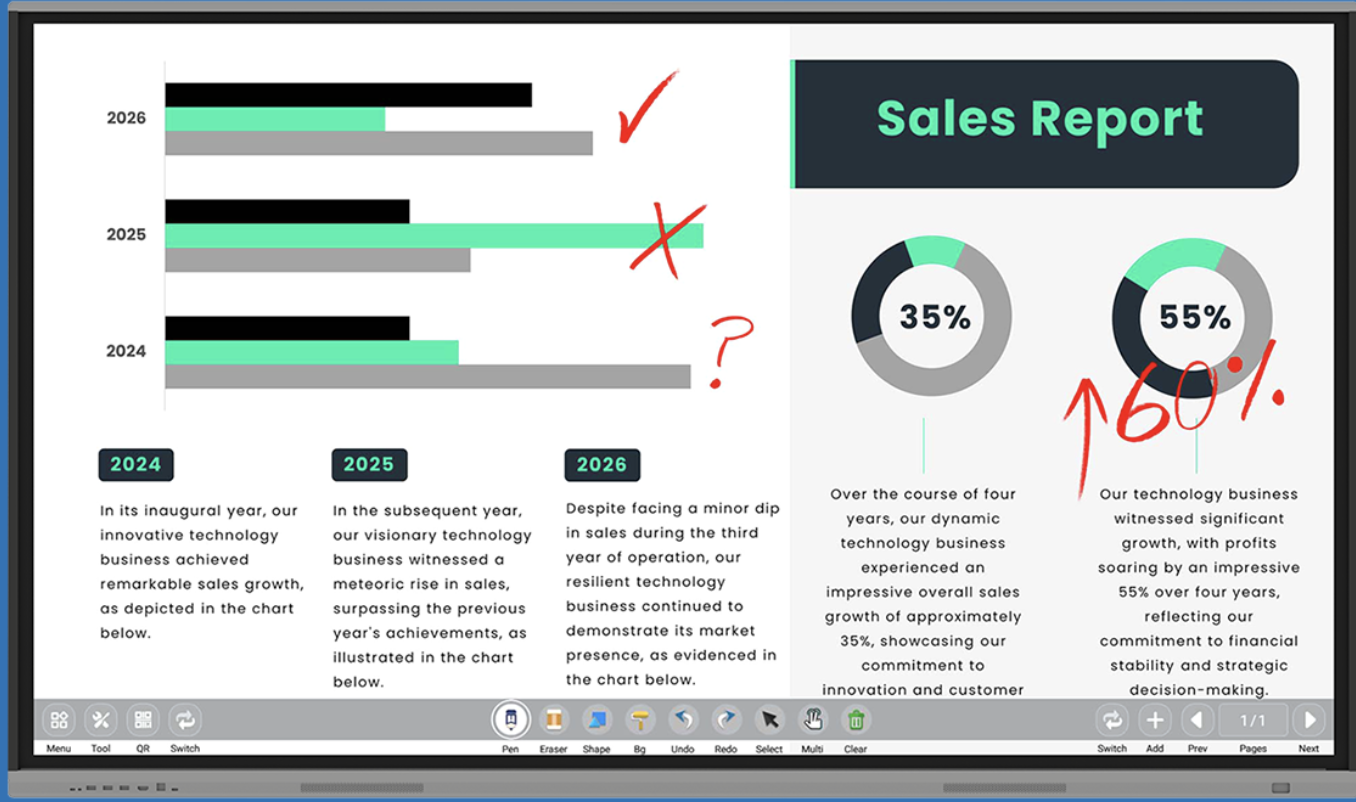
Interactive whiteboard solution for meeting rooms with integrated annotation and mirroring software
Modern Interactive Whiteboard
The stylish enclosure design really makes this touch screen stand out from the crowd. The bezels are so thin that the display area occupies more than 91% of the overall screen size. Designed with aluminium bezels and a moulded polymer rear, the screen is so lightweight it can even be mounted on a stud wall.
4K Display
The 4K Ultra HD display delivers incredible image quality with four times resolution higher than Full HD. Optimised for viewing distances both near and far the display allows your content to take center stage for all your visual communication.
Introducing MEETINGPAD: The Ultimate Collaboration Tool
Multi-Device Wireless Wireless Mirroring
Wirelessly project the displays of up to four smartphones, tablets, laptops, PCs or Macs. Using mobile devices you can mirror the display in both directions, and even take control of the touch screen. Mirroring via 5GHz allows for fast response, all without the need of external wires or transmitters.
Easy File Sharing
Once your device is connected you can quickly and easily share documents, videos, images and audio files stored on your smartphone, tablet, laptop or PC directly to the touch screen. You can also share files from the touch screen to your device by scanning a QR code with your mobile or tablet.
Optional Smart Pen Stylus
There are optional stylish interactive ‘Smart Pens’ available. These special styluses allows you to control the display wirelessly from anywhere in the room. You can change the pen tool colour, save annotated documents, navigate through a PowerPoint presentation or website and go back to the ‘MeetingPad’ home screen.