Humly Hybrid Workplace Experience Management
Managing a hybrid office has become more demanding than ever. Employees split their time between home and the office, and the spaces they need—meeting rooms, desks, parking spots—must be ready when they arrive. Workplace experience management brings together room booking, wayfinding, and occupancy data into one connected system so your office runs smoothly for everyone, no matter where they work from.
This guide covers everything you need to know about building a hybrid workplace that works. You will learn what workplace experience management means, which tools matter most, and how to use occupancy data to make smarter decisions about your office space.
Key Takeaways: Hybrid Workplace Experience Management in 2026
Room booking, wayfinding, and occupancy data form the core of effective workplace experience management for hybrid offices.
Occupancy sensors give you real usage data so you can stop guessing which spaces your team actually needs.
Wayfinding helps employees and visitors find rooms, desks, and resources quickly without asking colleagues for directions.
Humly connects booking, navigation, visitor management, and analytics into one platform built for enterprise-scale hybrid work.
Integrated systems reduce double bookings, ghost meetings, and wasted space while improving the employee experience.
What Is Workplace Experience Management?
Workplace experience management is the practice of coordinating every touchpoint employees encounter during their workday. This includes booking meeting rooms and desks, finding their way around the office, checking in visitors, and understanding how spaces are being used over time.
For hybrid offices, this coordination matters even more. When employees only come in a few days per week, the office must work harder to make those days count. That means spaces need to be easy to find, book, and use—whether someone is in the building or planning their visit from home.
A well-managed workplace removes the small obstacles that add up over time: searching for an available room, arriving to find a desk already taken, or wandering around a floor looking for a colleague. When these moments go smoothly, employees can focus on the work that brought them into the office in the first place.
Why Hybrid Offices Need a Different Approach
Hybrid work has changed what it means to manage office space. In a fixed-seat environment, everyone has an assigned desk and knows exactly where to go. In a hybrid model, that predictability disappears. Employees arrive on different days, teams need to coordinate their in-office schedules, and spaces that were once fully occupied now sit empty half the week.
This shift creates new challenges for IT directors, facilities managers, and workplace experience leaders. You need visibility into who is coming in and when. You need booking systems that prevent conflicts. And you need data that shows how your space is actually being used—not just how it was planned.
Attempting to manage all of this with disconnected tools creates gaps. Calendar systems show bookings but not actual occupancy. Wayfinding exists on separate screens with no connection to availability. Visitor management runs through a different process entirely. The result is a workplace that feels harder to use than it should.
Meeting Rooms and Collaboration Spaces
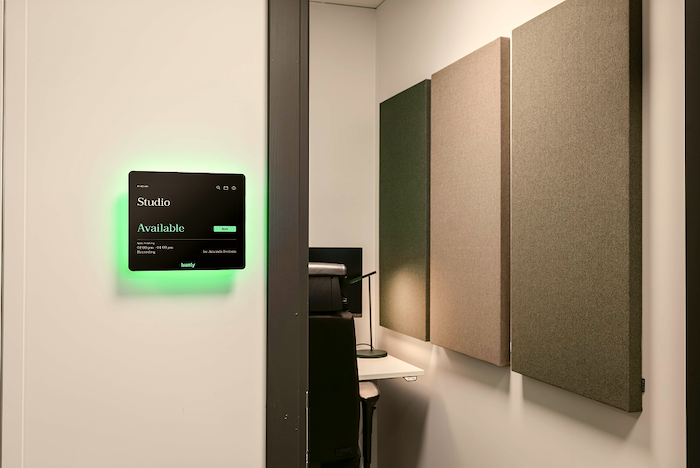
Meeting rooms require real-time availability, calendar integration, and clear status displays. Employees should see at a glance whether a room is free, booked, or in use. They should be able to book instantly for ad-hoc needs or reserve in advance through their calendar.
Collaboration spaces—areas designed for informal teamwork—may not need the same level of formality. But visibility still matters. If your office has open collaboration zones, showing their status on floor plans helps employees find an available spot without walking the floor.
Desks and Hot-Desking
Hot-desking works well when booking is fast and availability is accurate. Employees should see what desks are free before they arrive and reserve one that fits their needs—near their team, close to a meeting room, or in a quiet zone.
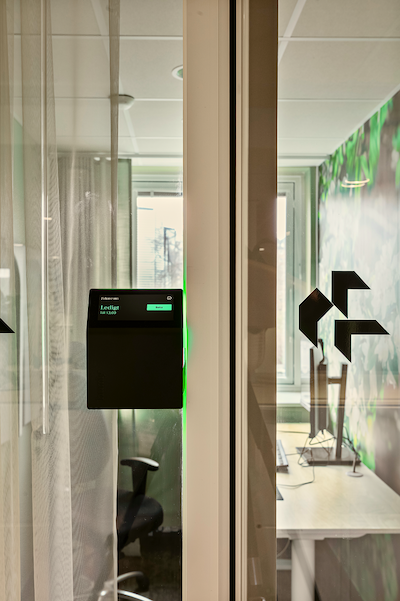
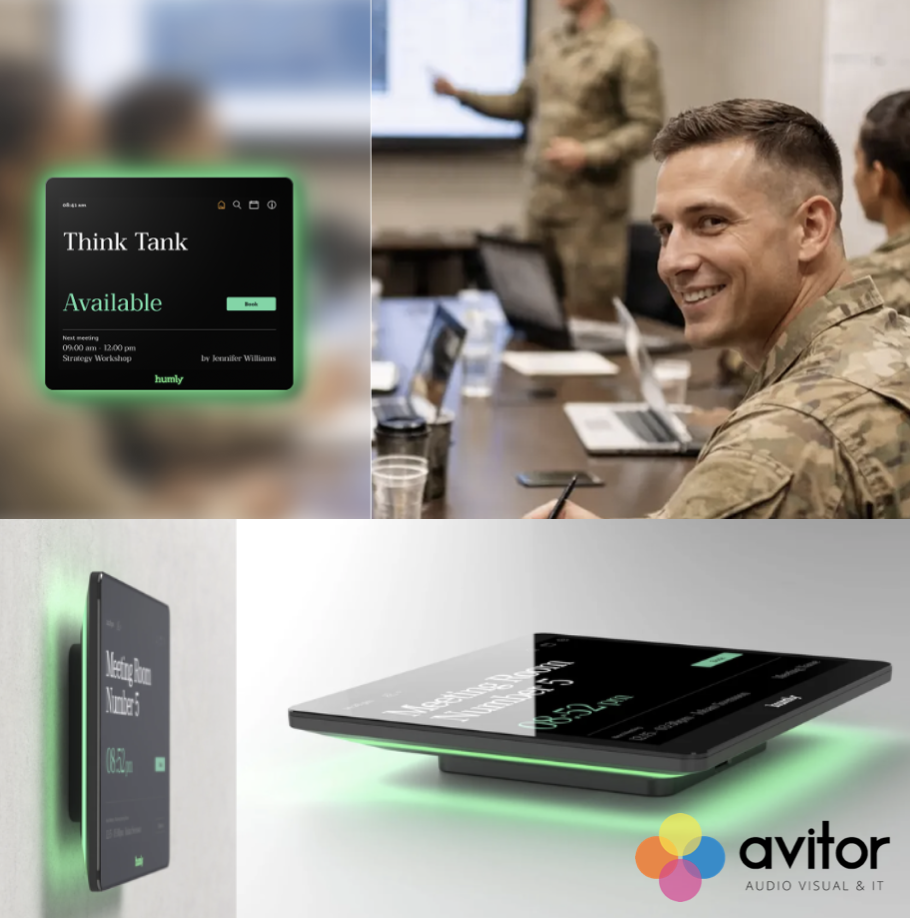
The Humly Booking Device makes desk booking simple at the point of use. Employees can book, check in, and manage their reservations without needing to open a separate app. This reduces the steps between arriving and getting to work.